There's a moment every designer hits when they realize the gap between what they imagine and what they can ship is not a skill problem — it's a tooling problem.
I hit mine about six months ago.
I was the sole designer at my company — which meant I owned the entire design surface, from product strategy to UI details, while engineering capacity was always the bottleneck between what I designed and what actually shipped. I had the chops to mock things up beautifully in Figma. What I didn't have was an engineer with free cycles waiting to translate my specs into working code. So I started vibe coding. And honestly? It broke my brain a little — in the best way.
Here's what I've learned from integrating Claude into my design process, what actually works, what doesn't, and why the "Figma vs Claude" framing is the wrong question entirely.
What even Is vibe coding for a designer?
Vibe coding, for the uninitiated, is the practice of building software through natural language prompts — describing what you want, and letting AI write the code. For developers, it's a productivity multiplier. For designers? It's a career-expanding superpower.
The loop looks like this: you describe a screen, a flow, or a component in plain language. The AI builds it. You iterate. You ship.
What makes this feel different from "just using AI" is that you're not generating assets — you're generating working product. And that changes the entire role of design in a startup context.
How I use Figma and Claude together (Not instead of each other)
Let me be direct: Figma didn't get replaced. It got repositioned.
Figma is where I think. It's where I explore, diverge, and make decisions about how things should feel. Color systems, component structures, interaction patterns, layout logic — all of that still lives in Figma. The canvas is for diverging. For laying out a whole experience and seeing the branches.
Claude is where I build. Once I know what I want, Claude is how I make it real — in code, in minutes, at a fidelity that would have taken days the old way.
The mistake I made early on was treating them as competitors. The breakthrough came when I started treating Figma as my brief and Claude as my engineer.
The Figma MCP: where things get interesting
The real shift happened when I connected Claude to Figma via the MCP (Model Context Protocol). Instead of taking screenshots of my designs and pasting them into a chat, Claude could now read my actual Figma file — every color token, every spacing rule, every component variant.
What Claude can read from your Figma file:
- Layer names and hierarchy
- Typography styles and variables
- Color fills, strokes, and design tokens
- Auto layout settings and spacing
- Component variants and constraints
What it still cannot read:
- Actual image pixels inside frames
- Prototype interactions and animations
- Comments and version history
The result of the MCP connection was that the design-to-code translation loss — the thing that normally eats weeks in a handoff cycle — nearly disappeared. I'd prompt "build this screen" and get back code that matched my specs at a level no manual developer handoff had ever achieved.
The pros: what vibe coding changed for me
Speed on the 80%. The structural work — building out screens, wiring up components, implementing a design system in code — that went from weeks to days. Sometimes days to hours. The iteration loop got so tight that I started designing in the browser alongside Figma, which unlocked a new quality of decision-making.
I stopped waiting in the queue. As the only designer, my work used to stop at handoff. I'd design something, pass off specs, and then wait — watching features get interpreted, sometimes well, sometimes not, while the roadmap moved on without me. Vibe coding changed that dynamic completely. I could take a feature from Figma to deployed code myself, which meant fewer translation errors, faster feedback loops, and a lot less "that's not quite what I meant."
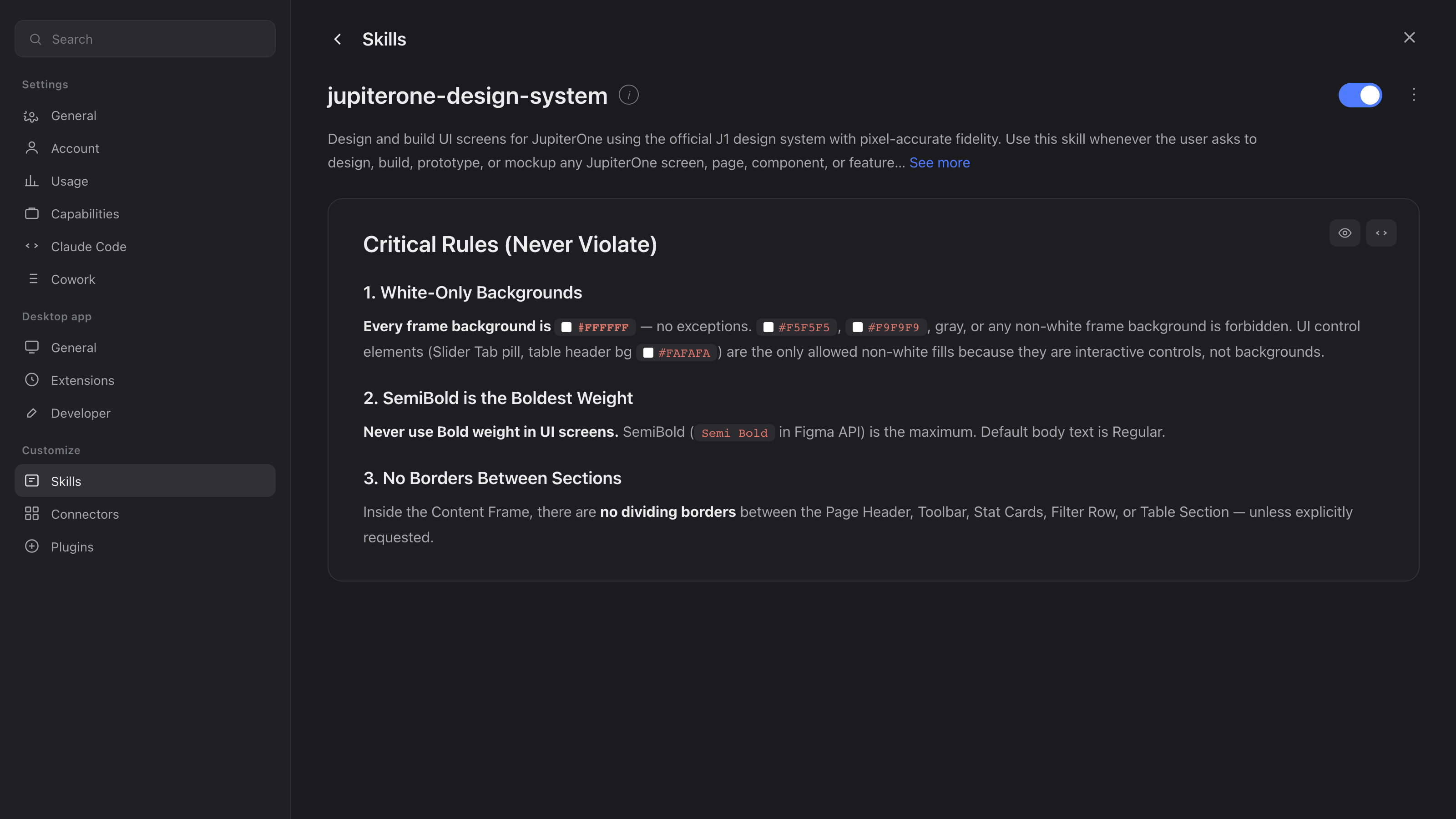
Design system thinking compounds. Once you build a component-based design system and teach it to Claude as context, the AI carries your standards forward automatically. Every new screen it builds respects your tokens, your spacing logic, your brand. It's like having a developer who actually read the design system doc.
Rapid prototyping becomes real prototyping — and user testing actually works now. Figma prototypes simulate interactions. Vibe-coded prototypes have interactions — real ones, with real data if you want. But the biggest unlock for me was not internal demos. It was user testing. I can now send a functional prototype directly to customers and have them actually use it — click through real flows, hit real edge cases, feel real friction. The quality of feedback I get back is incomparable to what you get from a Figma click-through. Users stop saying "yeah looks good" and start saying "wait, why does this button do that" — which is exactly what you need.
The cons: what still hurts
The last 20% is brutal. Claude gets you 80% of the way there faster than you'd expect. That last 20% — the subtle spacing, the micro-interactions, the component edge cases — requires patience, specificity, and sometimes more messages than you budgeted for. Don't plan a sprint around a same-day ship.
Context management is a real skill. Claude has no memory between sessions. The more complex your product, the more work it takes to re-establish context at the start of each working session. I learned this the hard way when a context window filled up mid-feature and the AI started making assumptions that broke working code.
Figma wasn't built natively for AI. Even with MCP connected, the token consumption is significantly higher than working in code-native tooling. If you're watching costs, factor that in when planning your workflow.
Engineering illiteracy will slow you down. I'm not a developer. I'm not trying to become one. But the more I understood about how the code side works — even at a high level — the better my prompts got and the less I had to iterate to get what I wanted. There's a minimum viable technical literacy that pays off fast.
The "build-first" trap. Early on I was convinced by Claude to build functionality first and style later. For a simple SaaS with linear flows, maybe that works. For anything with a real visual identity, it was a mistake. Design creates constraints, and constraints make implementation easier — not the other way around. Do your Figma work first.
Dos and don'ts: a practical field guide
Do
Do design in Figma before you prompt. A complete design brief — with a real color system, typography decisions, and component logic — makes your AI implementation faster and more consistent. Don't skip this step to save time. It costs more time later.
Do use the Figma MCP. Don't just paste screenshots. Connect Claude to your actual file so it can read specs like a developer getting a proper handoff. The fidelity difference is significant.
Do build a component system from day one. Structure your prompts around components, not pages. Tell Claude explicitly that everything must be built as a reusable component according to spec. It takes more upfront messages, but the resulting codebase is solid and maintainable.
Do treat Claude like a team member, not a search engine. Ask for options with tradeoffs. Ask it to explain its decisions. Push back when something doesn't feel right. The more you engage as a collaborator, the better the output.
Do start small. Build something personal first. A portfolio page, a tool you'd use yourself. Don't try to build a full product in your first week of vibe coding.
Don't
Don't skip the design system. If you build without one, you'll be rebuilding constantly as visual requirements clash with functional implementation. The design system is the artifact that bridges canvas and codebase.
Don't expect pixel-perfect output on the first prompt. Claude tends to get spacing, typography details, and small visual decisions slightly wrong. This is normal. Build your workflow around iteration, not perfection on shot one.
Don't let context drift. When you're deep in a build, keep a running document of your project structure, decisions, and conventions. Use it to re-prime Claude at the start of each session. Context is everything.
Don't abandon Figma for speed. The temptation, once you're vibe coding fluently, is to stop designing and just prompt directly. Resist it. The designers who'll do this best are the ones who keep bringing human judgment to the canvas — and then using AI to execute it.
What this means for the Product Development Process
Here's the bigger picture that took me a while to see clearly.
AI doesn't improve product development by replacing designers. It improves it by collapsing the distance between design intent and shipped product.
The old process had a translation layer: designer → spec → developer → review → fix → ship. Every step in that chain introduced interpretation, delay, and drift. Vibe coding doesn't eliminate those steps — it compresses them into a single loop that a designer can own end-to-end.
For startups especially — and for sole designers in particular — this is significant. Being the only designer at a company already means wearing multiple hats. The engineering bottleneck has always been the thing that limited how much of your vision actually reached users. When you can take a feature from Figma to deployed code in a day yourself, the entire shape of what you can contribute changes.
Sole designers who figure this out aren't just becoming more productive. They're becoming more central to product strategy — because they can now carry their decisions all the way to users without waiting in someone else's sprint.
The honest bottom line
Vibe coding as a designer is real, it's practical, and it's worth learning. But it's not magic. It rewards preparation — a solid design system, clear component logic, a working knowledge of how the code side works. It punishes shortcuts, context drift, and the "I'll design it in the browser" temptation.
The relationship between Figma and Claude isn't a competition. It's a workflow. Figma is where your taste lives. Claude is how your taste gets built.
And right now, that combination is one of the highest-leverage skills a product designer can develop.